
Who doesn’t know this situation? You’ve started a new WordPress project and at the latest when dealing with topics like the contact form, you realize that email sending doesn’t work or only lands in your spam folder.
Usually, it also happens that third-party services like Google or Microsoft are being used. Here, a proper connection is absolutely required to ensure clean email delivery.
Sure, there are already numerous plugins that offer a simple solution. By far the most well-known plugin in my circle for this is WP Mail SMTP. But if we take a closer look at email sending, it quickly becomes clear that this isn’t a big deal. So why clutter up your WordPress instance with yet another plugin that constantly asks you to buy the “Pro” version?
Override Sender Information
To begin, we need to tell WordPress the sender name and address using two filters. Make sure that the sender address is available for the SMTP account being used. If the address is specified incorrectly, email delivery may not be guaranteed, or the email may end up in the recipient’s spam folder or be rejected directly by the server.
Sender Name
add_filter('wp_mail_from_name', static function () {
  return "John Doe";
});
Sender Address
add_filter('wp_mail_from', static function () {
  return "[email protected]"
});
SMTP Authentication
add_action('phpmailer_init', static function ($phpmailer) {
  $phpmailer->IsSMTP();
  $phpmailer->Host = "smtp.google.com";
  $phpmailer->Port = 587;
  $phpmailer->From = "John Doe";
  $phpmailer->FromName = "[email protected]";
  $phpmailer->SMTPAuth = true;
  $phpmailer->Username = "[email protected]";
  $phpmailer->Password = "secret123!";
  $phpmailer->SMTPSecure = true;
  $phpmailer->Mailer = 'smtp';
  $phpmailer->ClearReplyTos();
  $phpmailer->addReplyTo(get_option("Website XY Administrator"), get_option("admin_email"));
});
Tip: Test Your Spam Score
With platforms like Mailtester, you can test whether your email configuration along with the message content will be flagged as spam.
Example Repository with Complete Code
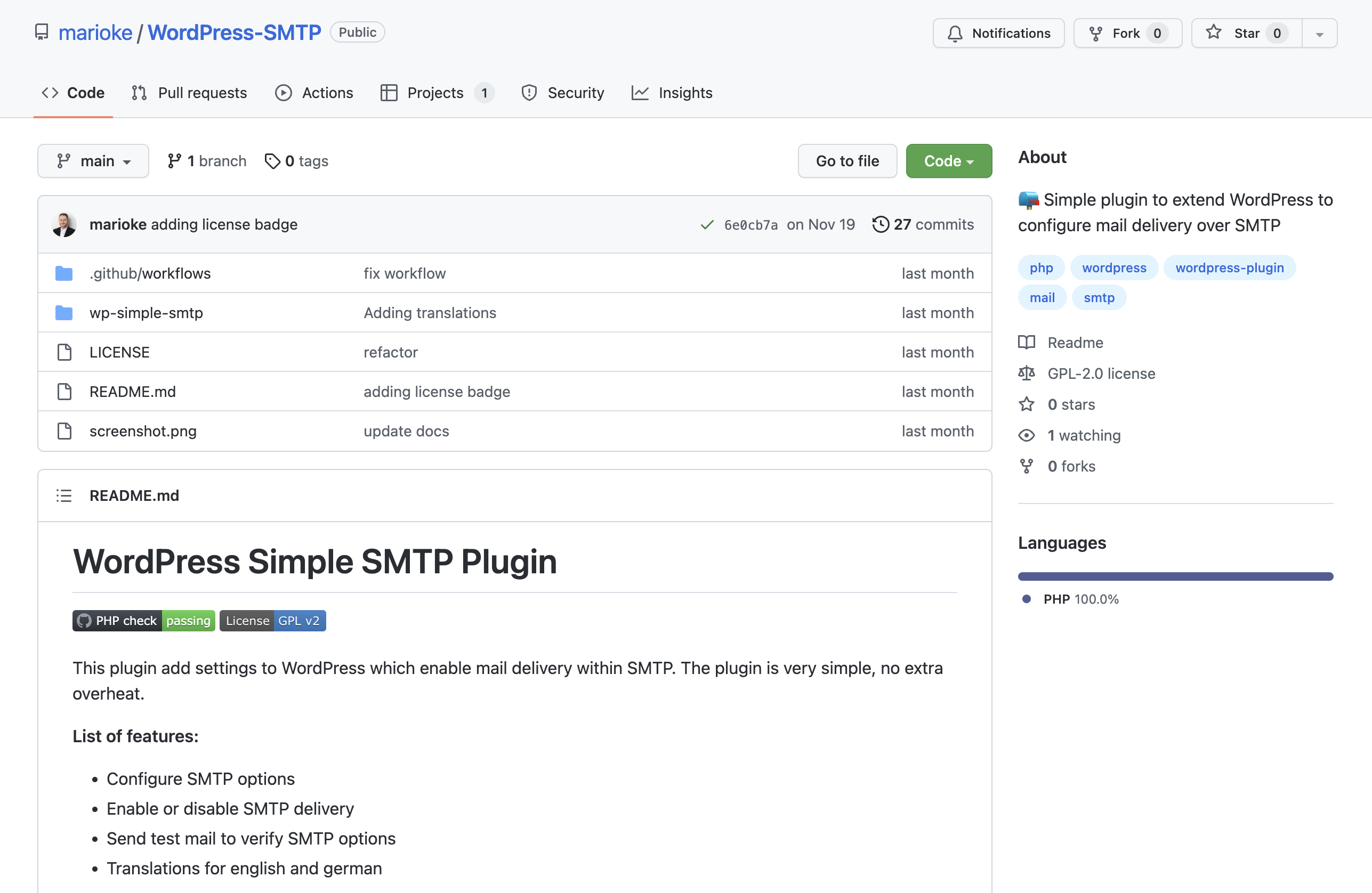
Here you can find the code shown above in the form of a minimalistic plugin on GitHub, including an admin page for storing the SMTP information.
Conclusion
As you can see, implementing your own SMTP email solution doesn’t require much effort. This way, you save yourself the unnecessary installation of third-party plugins and can keep your WordPress installation clean and lean.